Signing out
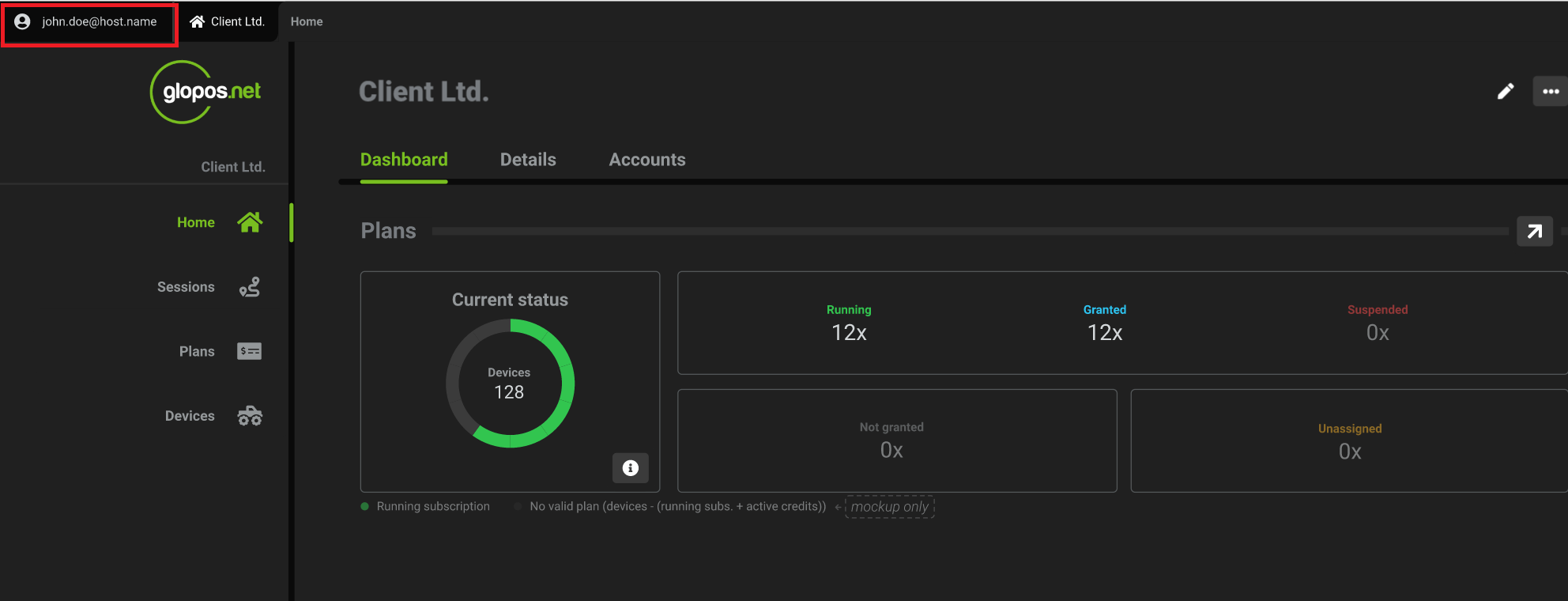
- While logged in to the platform, click on the user icon / user name on the top left hand side of the dashboard page.
- On the next page, click the
sign outbutton on the top right hand side of the page
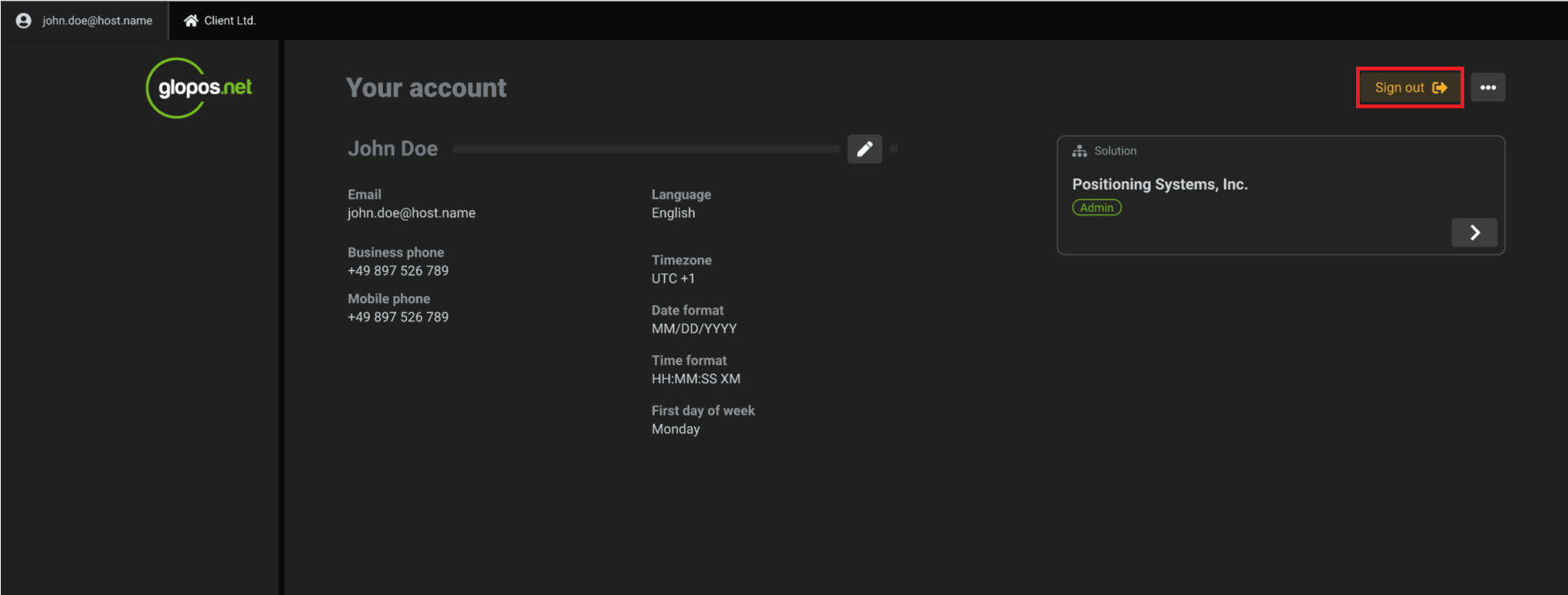
sign out button on the top right hand side of the page