Resetting your password
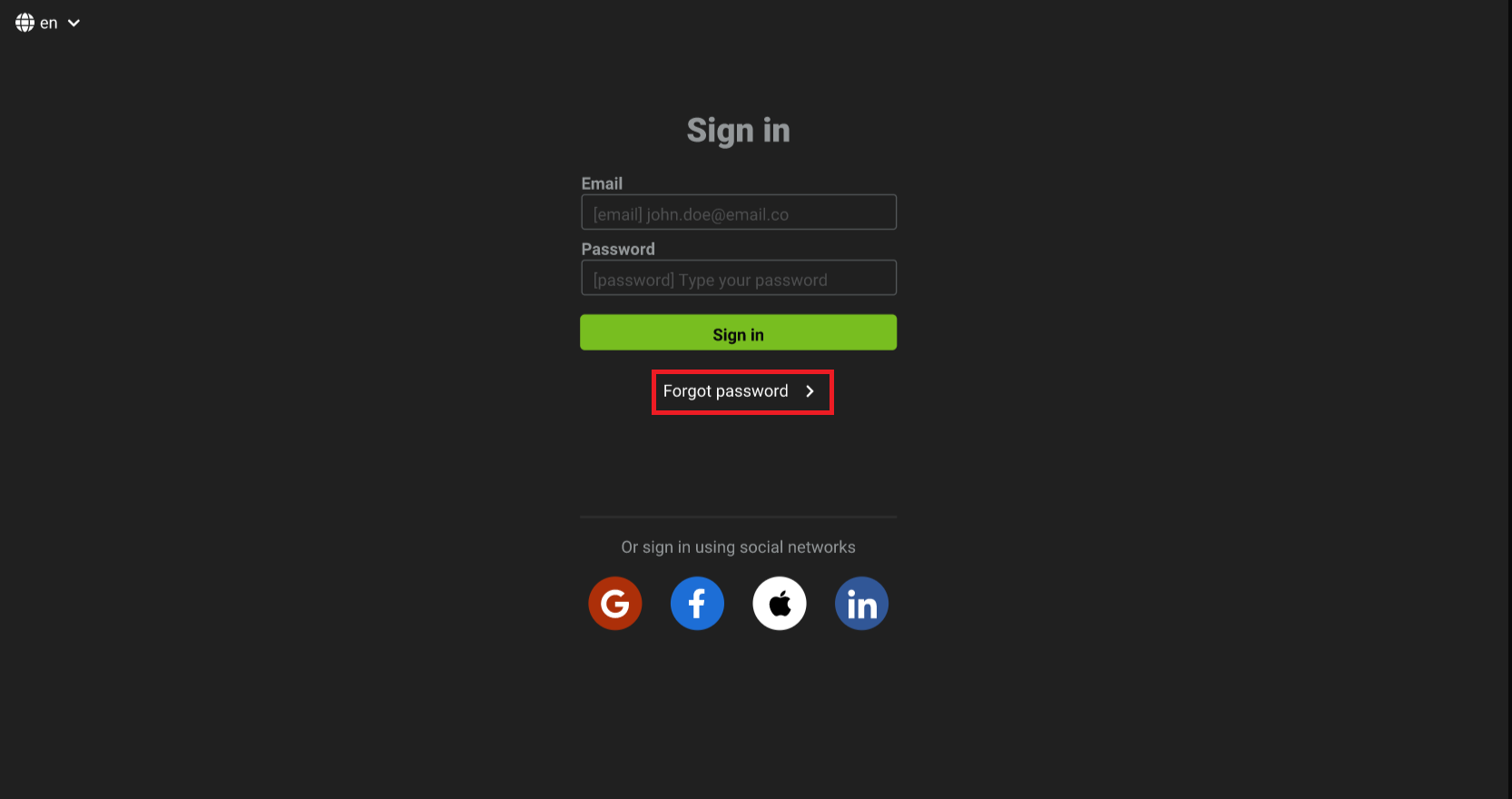
- On the login screen, click on the
Forgot passwordbutton.
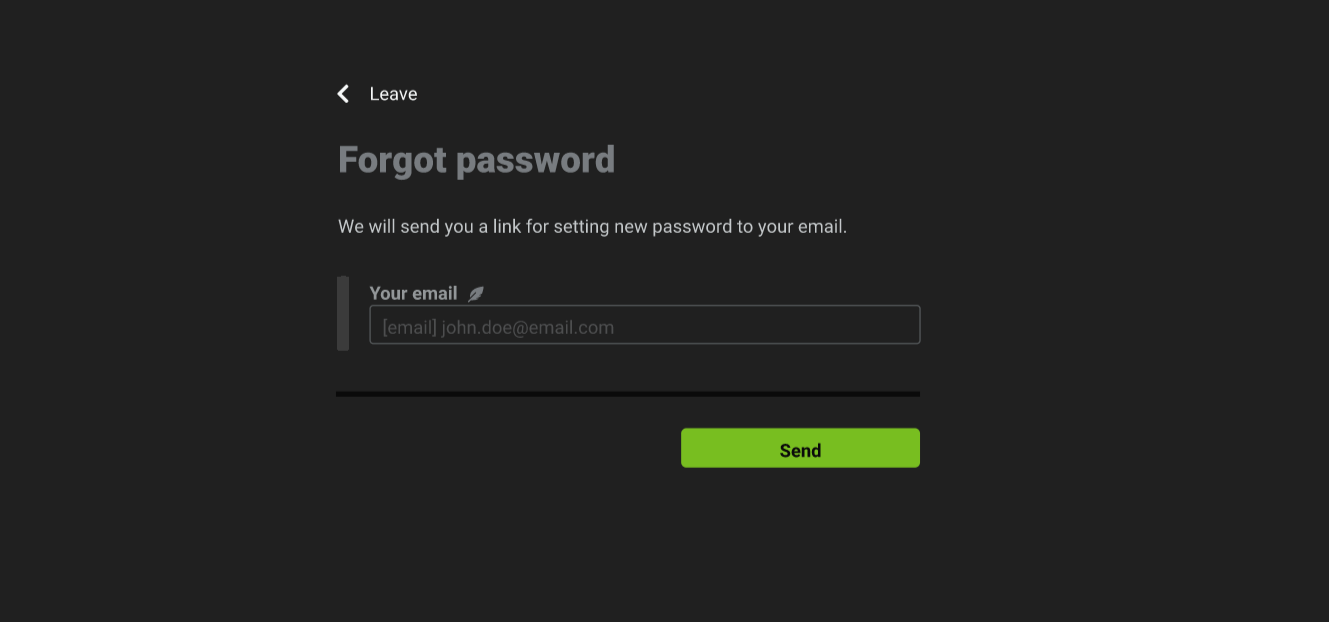
- Enter a valid email and click on the
sendbutton.
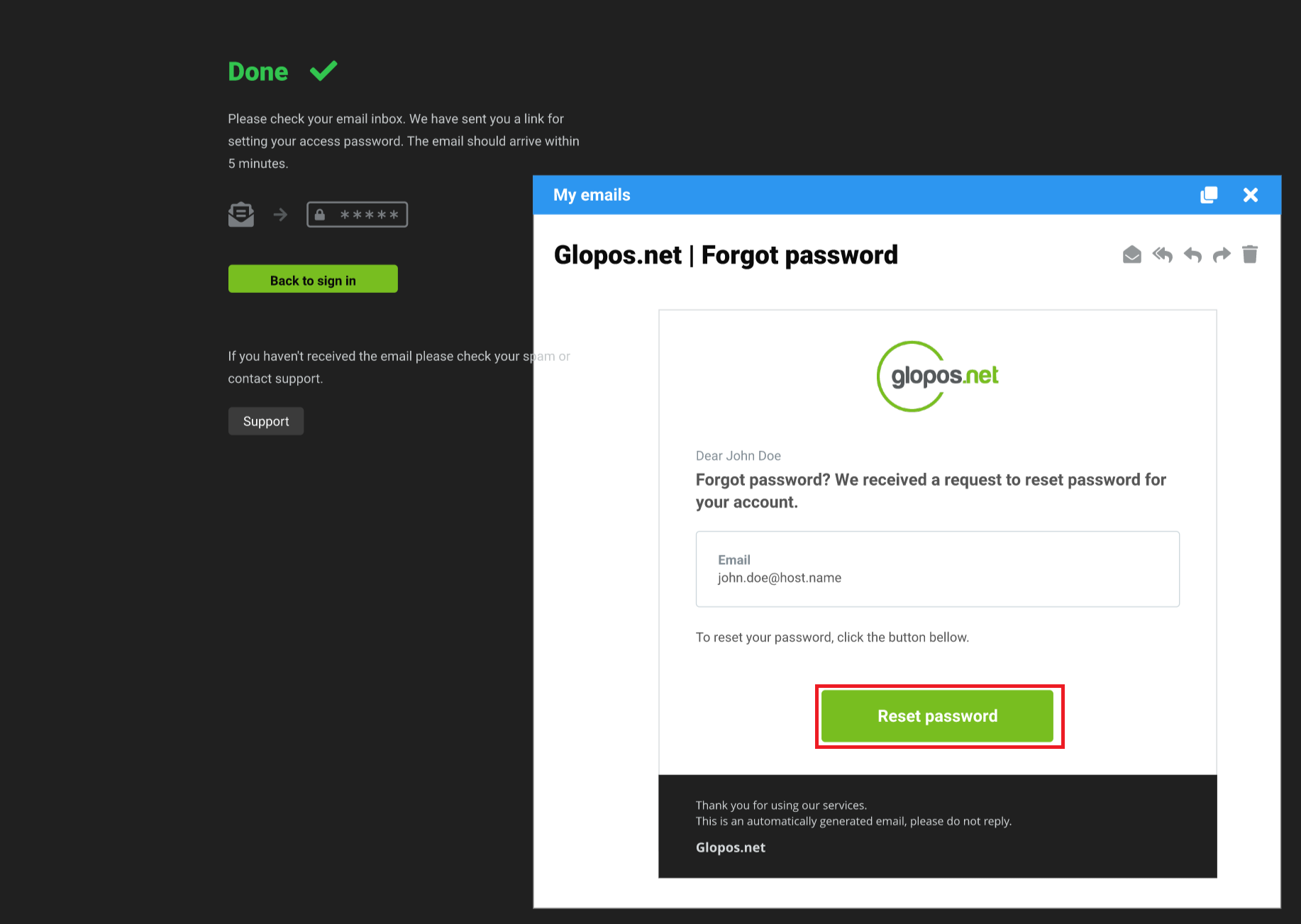
- You should receive an email with a link to where to reset your password.
- Enter your new password and click the
Set passwordbutton
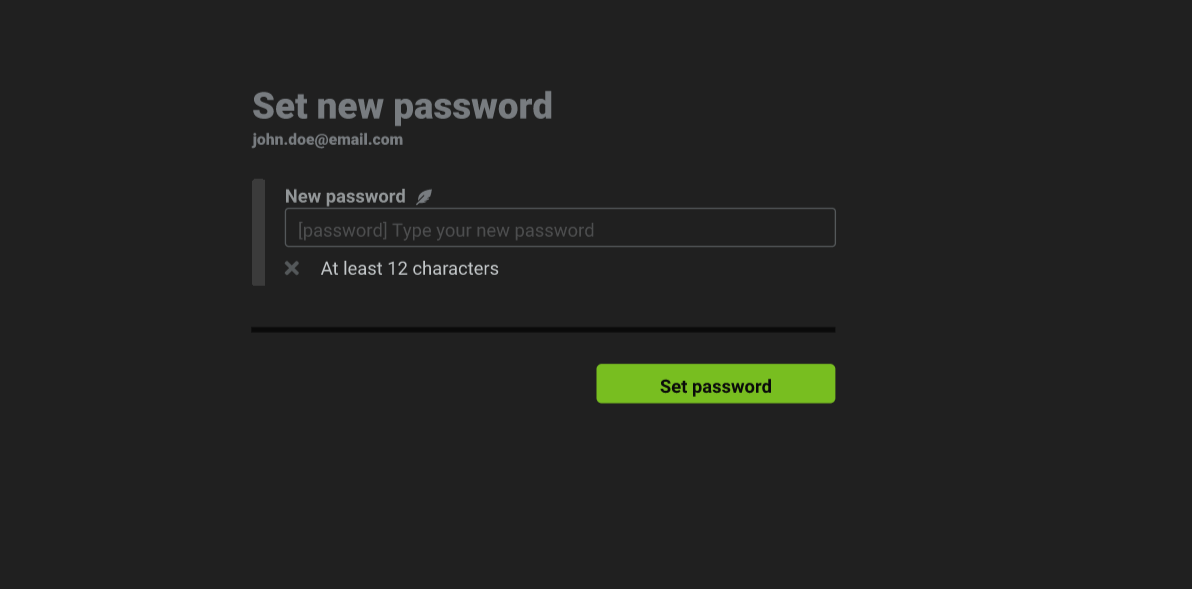
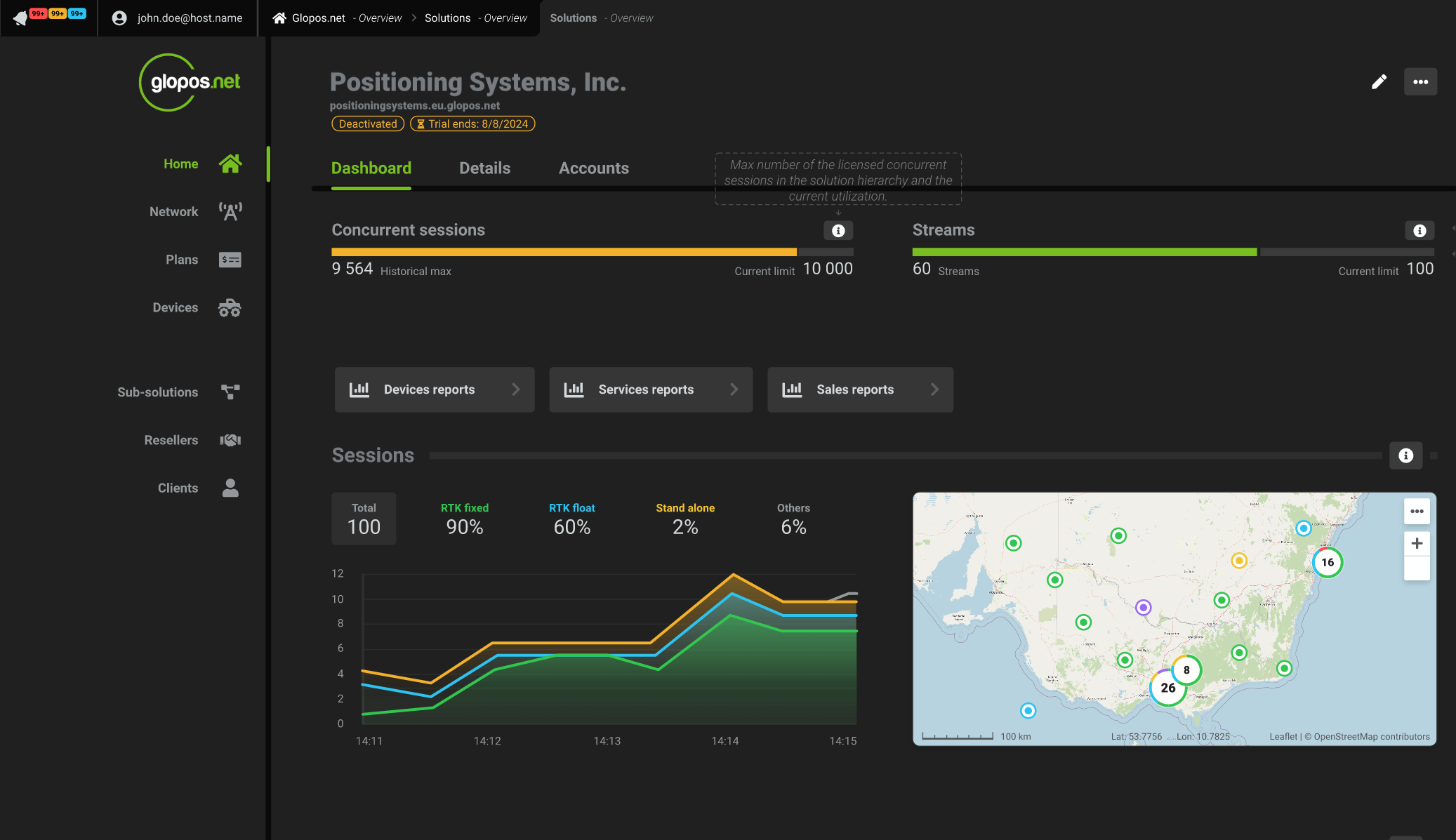
- You will now be directed to the dashboard if you meet the password requirement and your password reset was successful