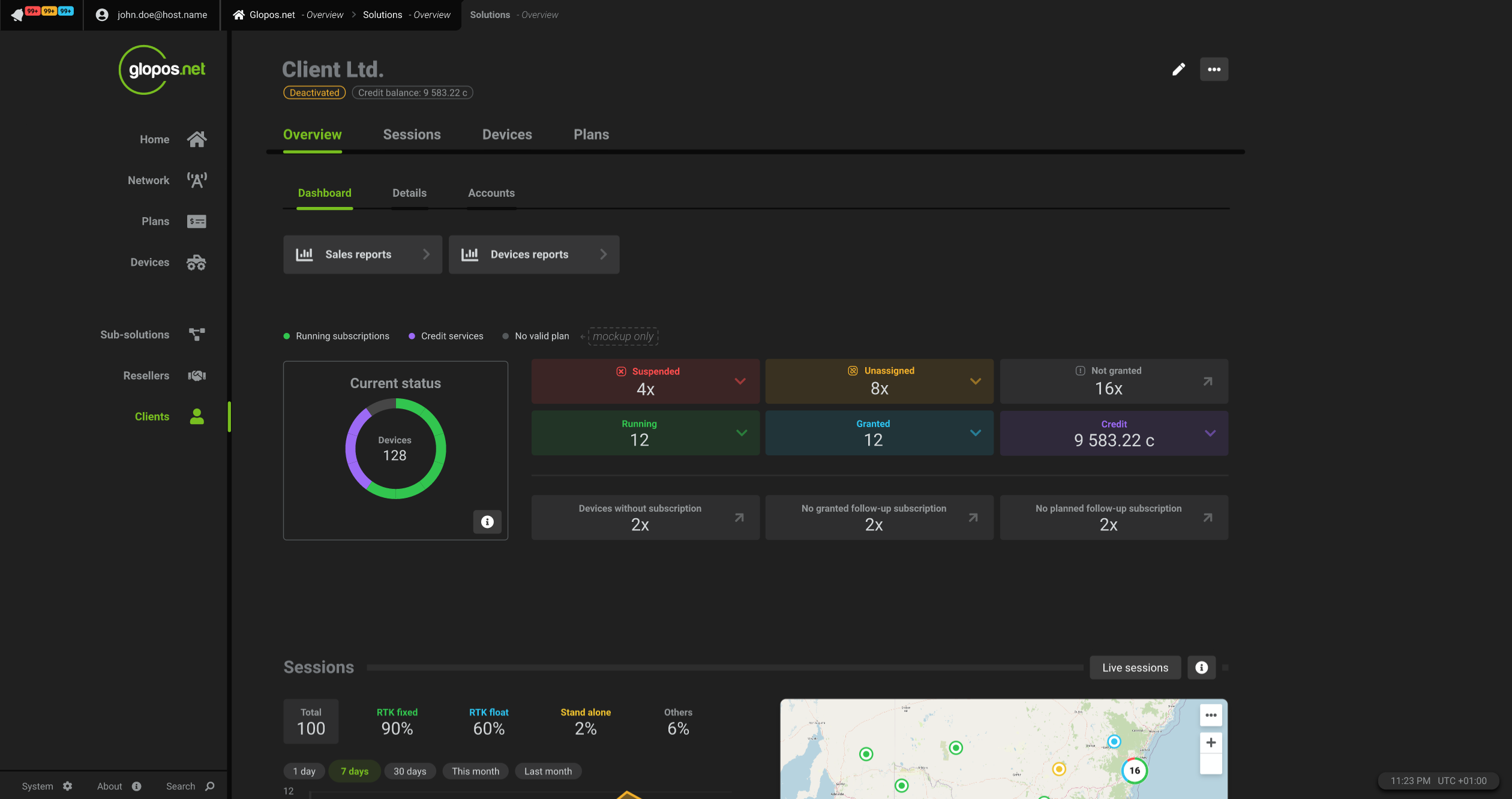
Registering your business
The first step getting started as a Solution administrator of a legal entity or company is to create an account. The following steps will show you how to get started.
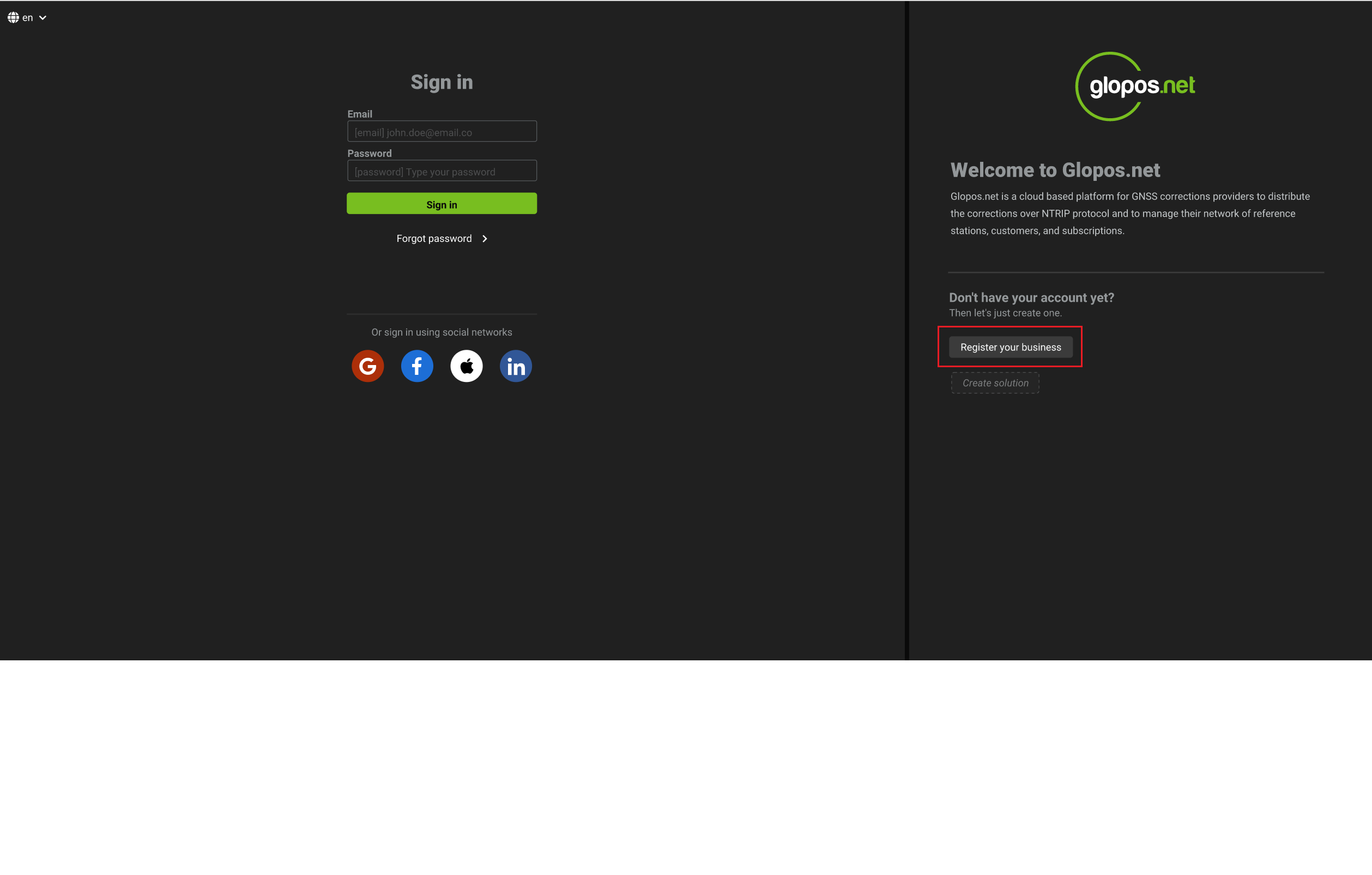
- Click on the
register your businessbutton.
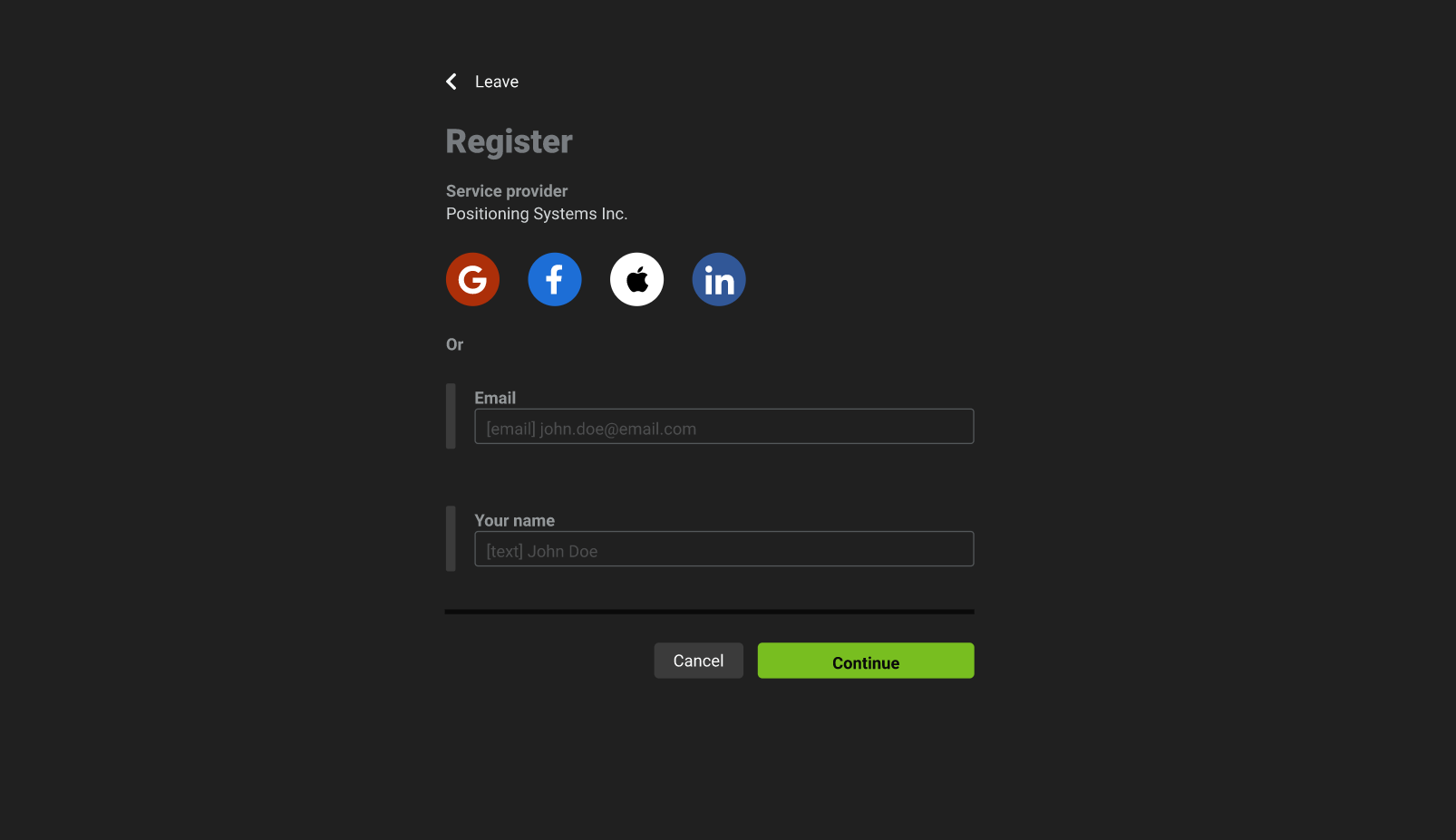
- On the next page, you can either register using an authentication provider like Google and Apple or use the second option by entering a valid email and other required information. Once done, press the
continuebutton.
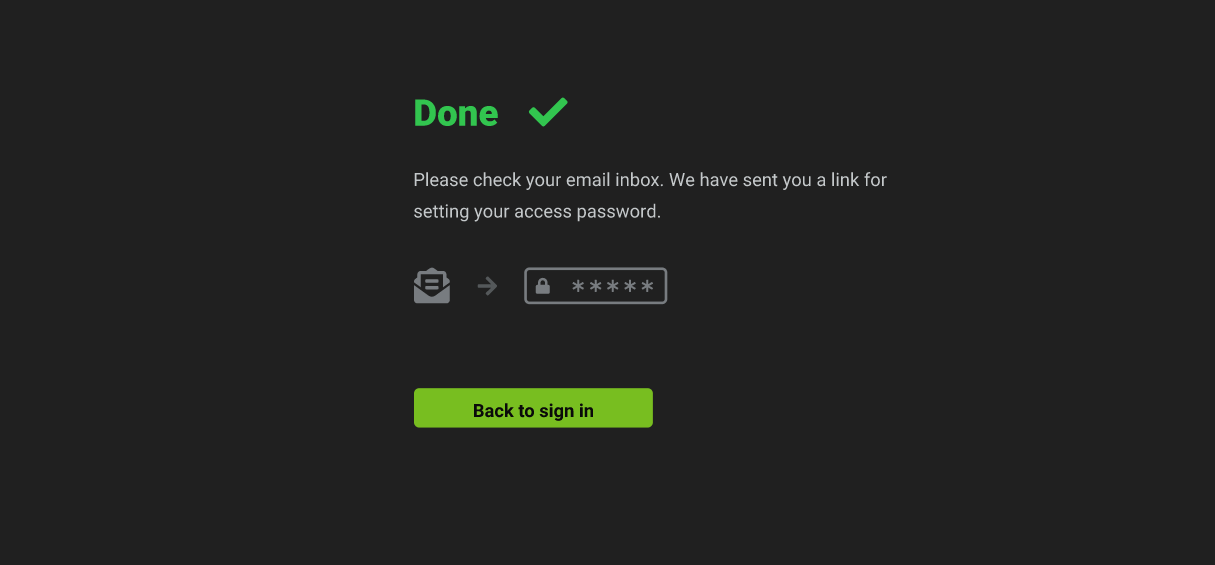
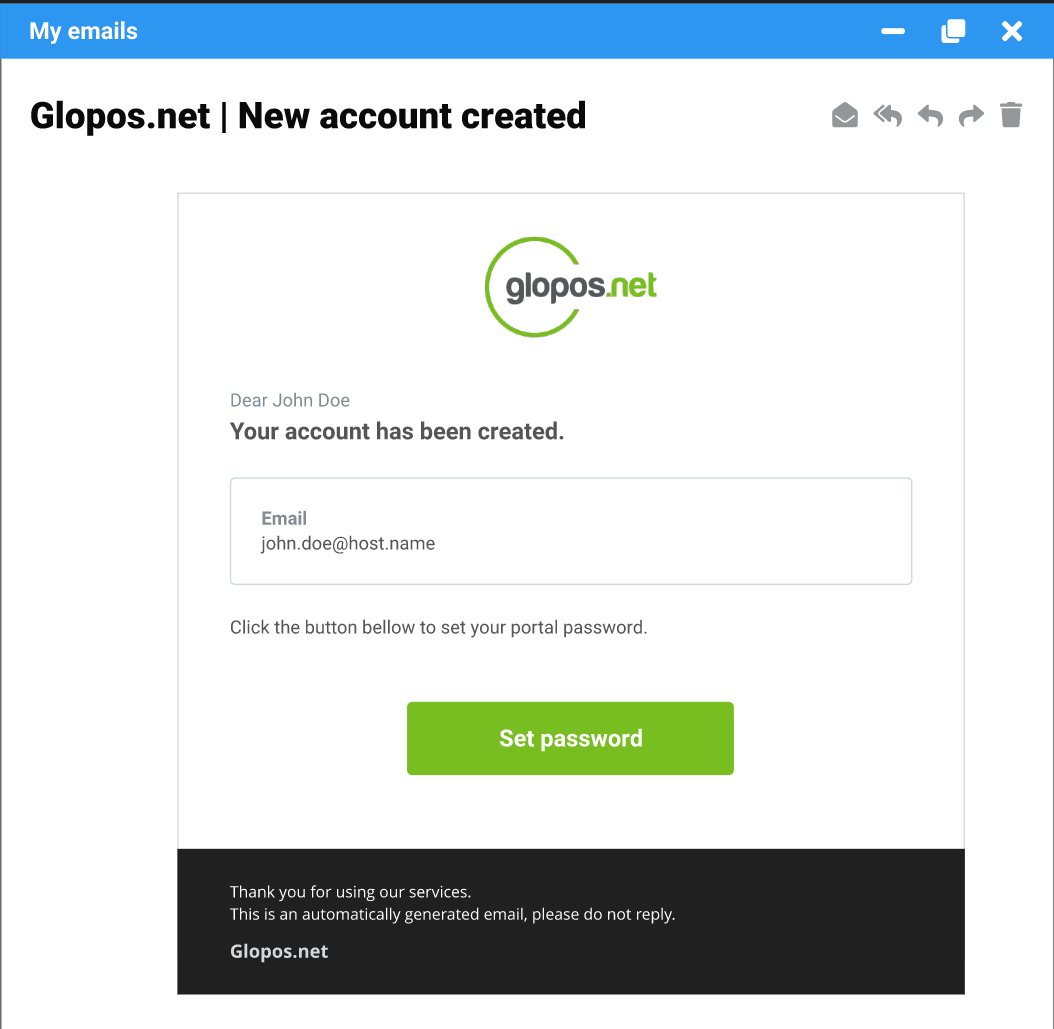
- You will receive an email which contains a link on how to setup your password.
If you did not receive an email within 5 minutes, please doube check if you provided the correct email and also check your spam mailbox
- Please click on the link from your email to set up your login password.
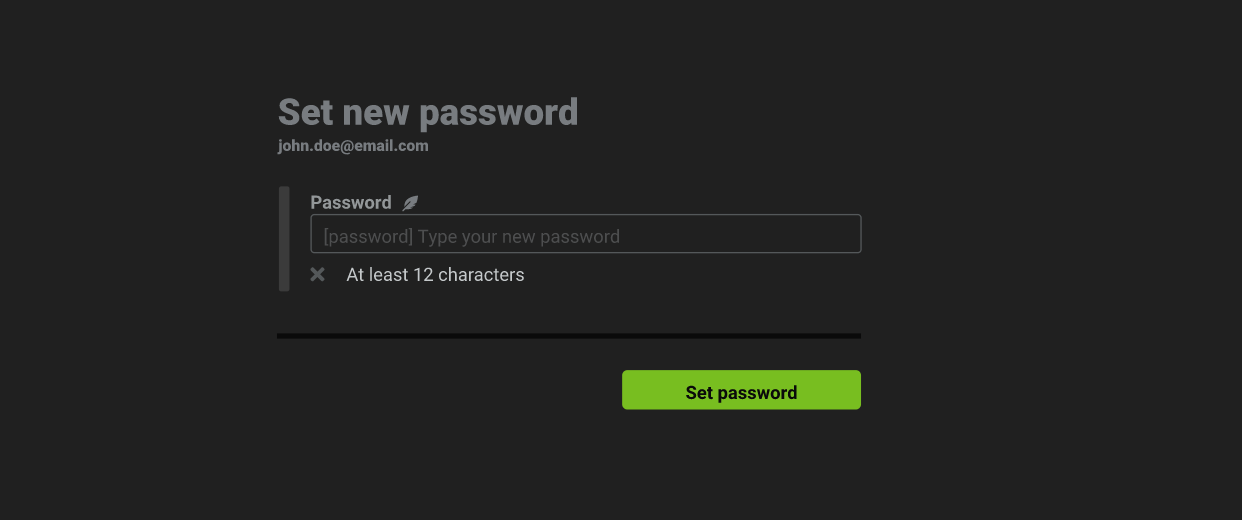
- Enter a new and secure password then click the
set passwordbutton.
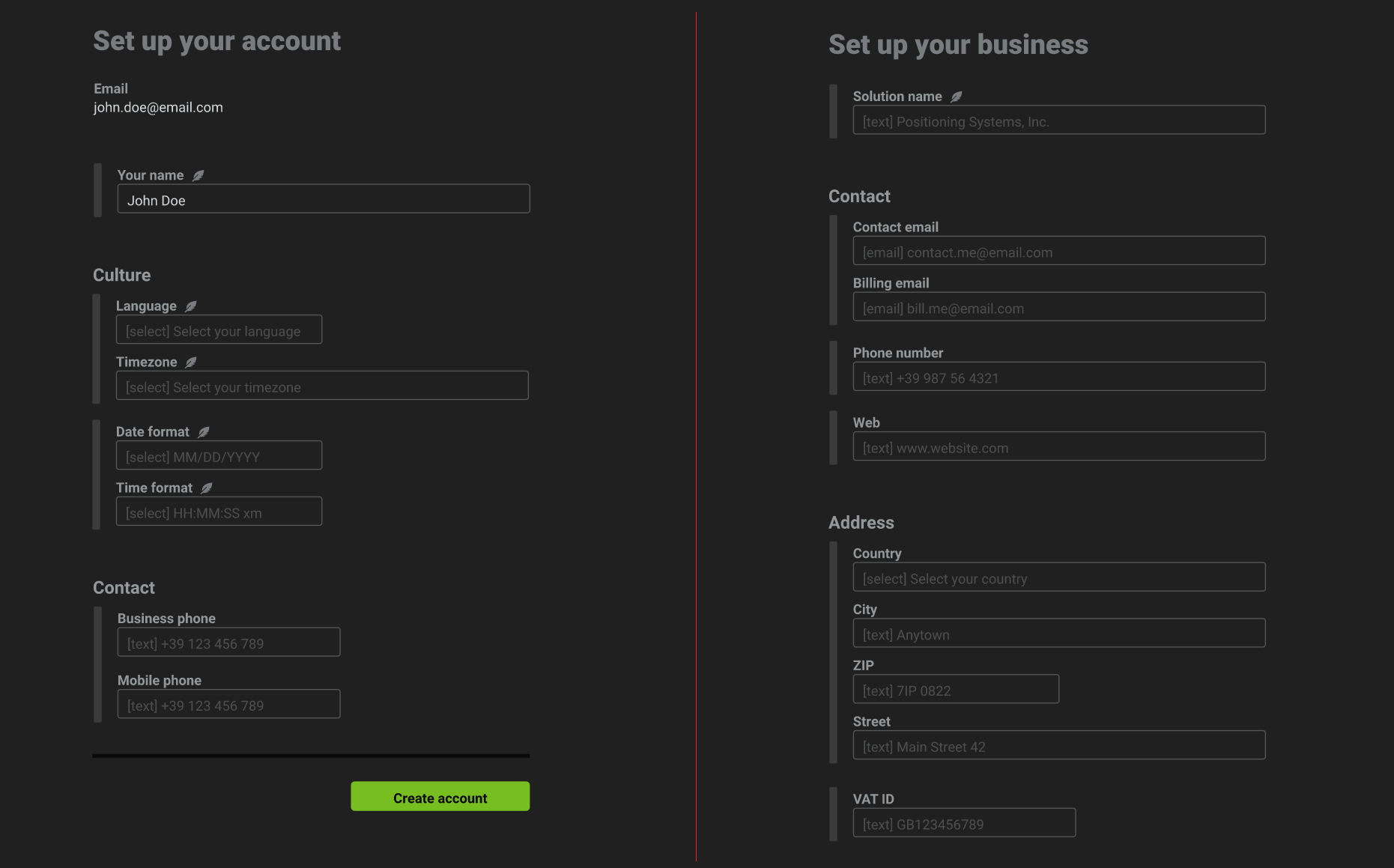
- Once your password has been saved. You will be taken to another page where you can setup your account as well as business details.
You will need to fill in your business solution details, contact details and address details. Once complete, click on the create account button. If the details was created successfully, a notification popup will appear on the top right with a successful message.
The culture section allows you to customize your timezone as well as the date and time format you'd prefer. Ensure you set the correct timezone so you can get an accurate date and time information relative to your location.
- Your account will be created at this point after which you will be redirected to the dashboard.